 Clothify
: Build a Clothing Brand From an Idea
A real workspace walkthrough: generate and review Night Tide artwork, place it on a T-shirt, create a matching logo, and explore desktop and phone storefront previews. Recorded in an existing account; generation waits are shortened. The storefront is a separate template example. No store was published and no order was placed.
Transcript
- 00:00 Clothify: Build a Clothing Brand From an Idea. Real workspace footage; waiting time is shortened.
- 00:05 Start with an idea: Night Tide, a coastal streetwear concept. This walkthrough uses an existing account.
- 00:13 Add a T-shirt to the collection. Ask Clothify AI for an original crescent moon and ocean-wave design.
- 00:21 Review the generated artwork before saving the change. Only the selected artwork layer changes.
- 00:29 Choose the front print area and adjust placement. Save the draft product; no order is placed.
- 00:37 Describe a matching logo. Compare four generated options, choose the cobalt version and save it.
- 00:45 Browse a storefront theme. Fieldwork is a separate template example, not a published Night Tide store.
- 00:53 Preview the theme on desktop. Template products are illustrative; customize a draft for your brand.
- 01:01 Check the phone preview too. This demonstration does not publish or replace the existing store.
- 01:09 Review your designs and finish account, payment and domain setup before launch. Start at clothify.io.
More videos
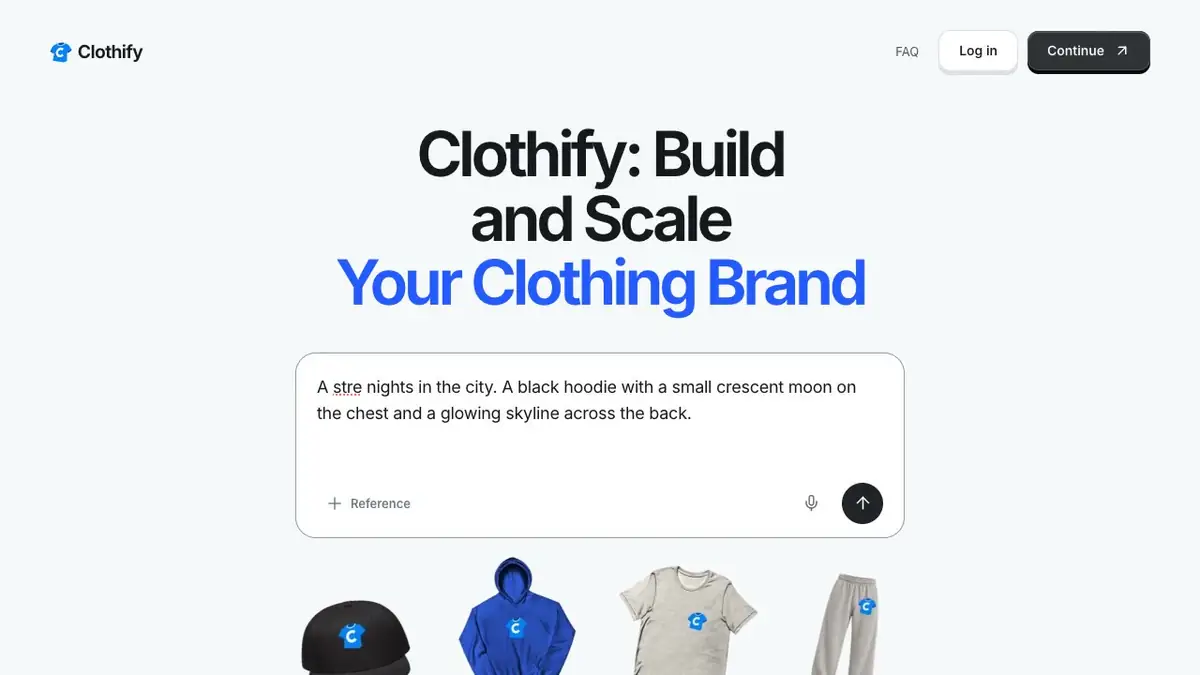
Start a clothing brand idea in Clothify
See how to start a clothing brand in Clothify. Describe the first garment you want to make, submit your idea, and create an account to continue.
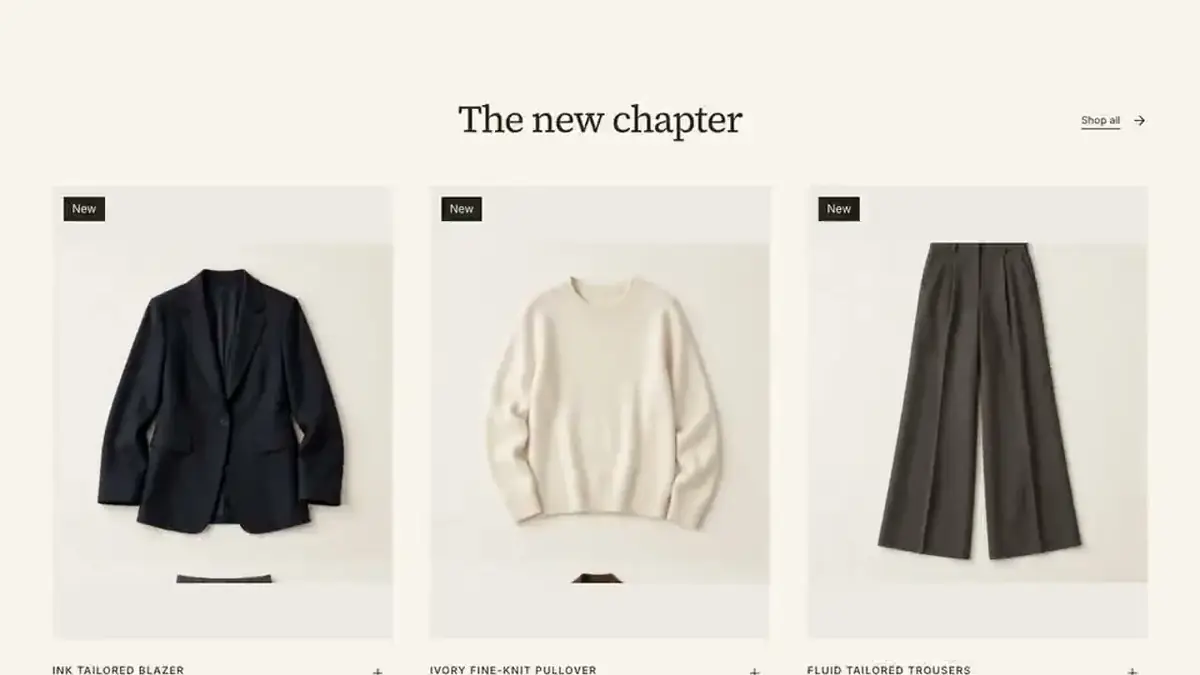
Eight store designs you can start from
A scroll through eight Clothify store designs from top to bottom, from clean magazine layouts to dark streetwear pages. Each one is a real page you can make your own.
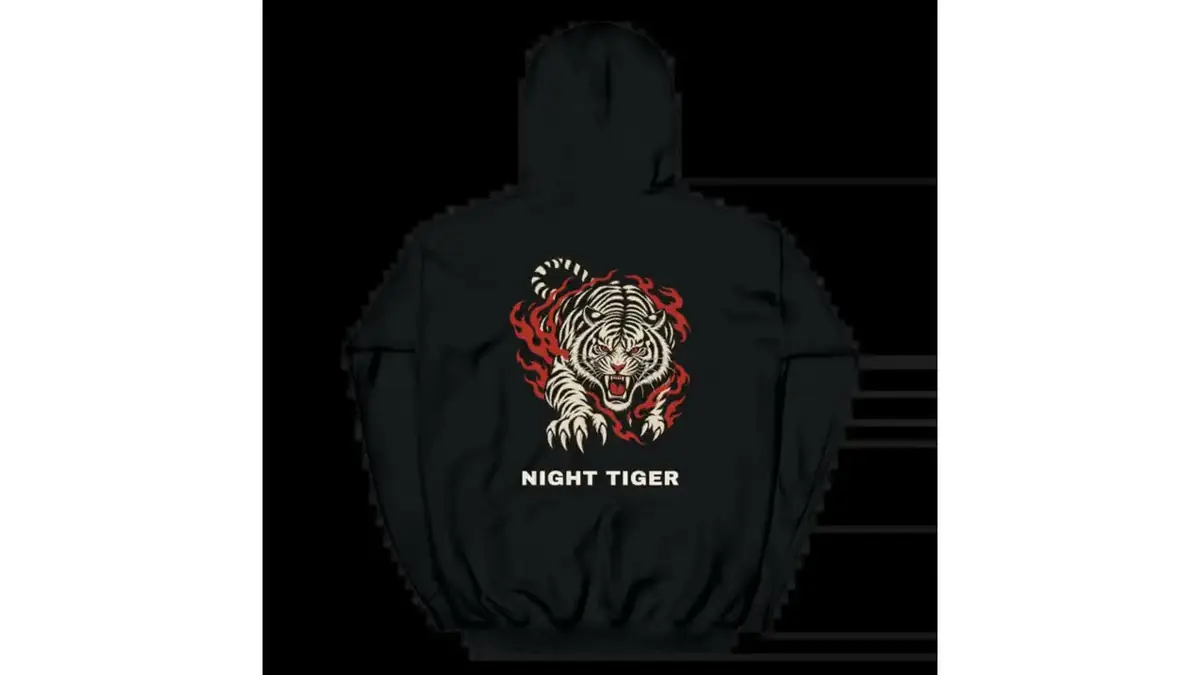
Real artwork on real garments
Artwork Clothify generated from a written idea, placed on real supplier garments: a hoodie, a tee, a sweatshirt and a hat.