 Clothify
Clothing mockup generator
Preview artwork on tees, hoodies and more. Compare the front and back, adjust the placement, and save a version for your collection.
Start your brand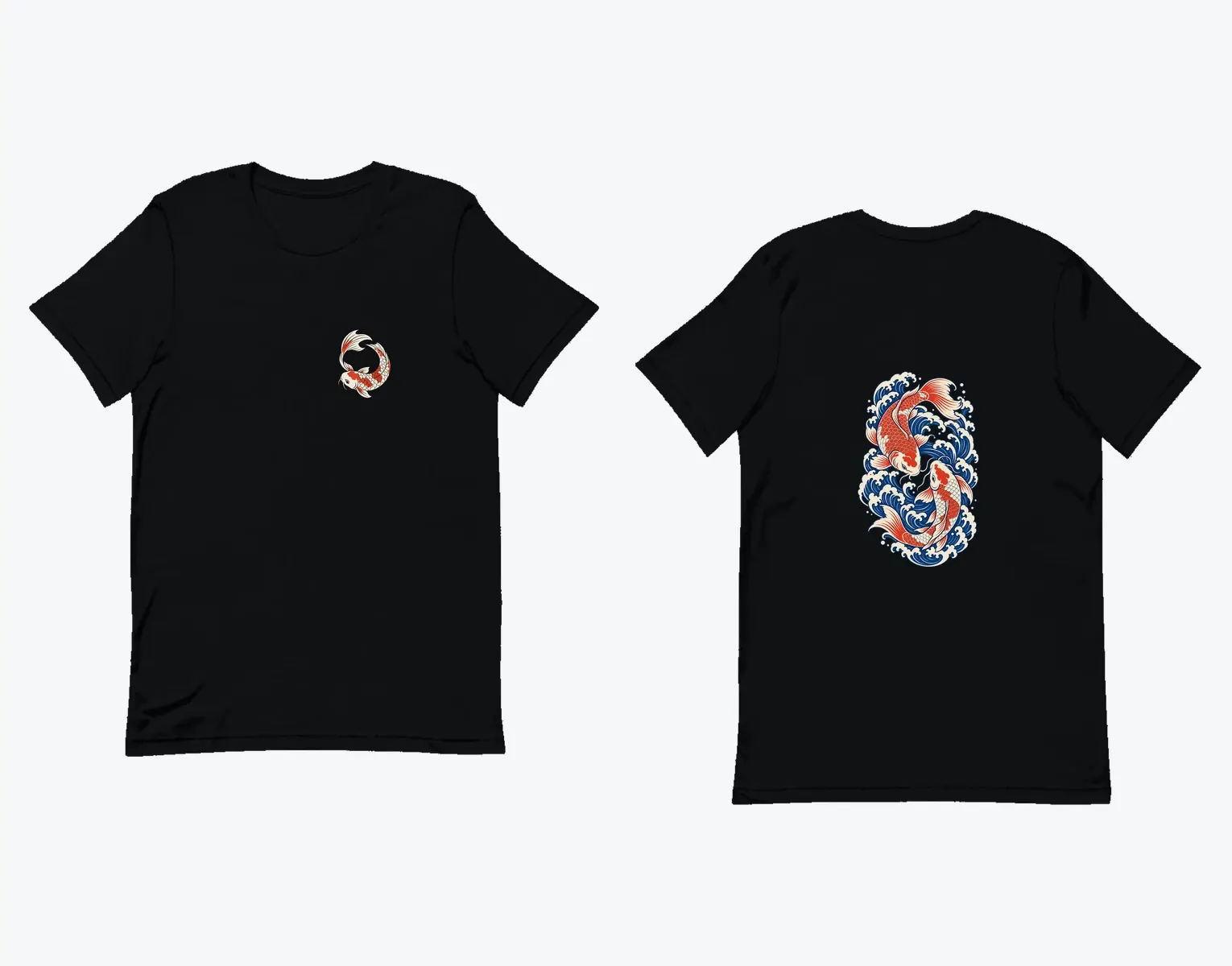
Compare two layouts on the same tee
Place a small logo on the left chest, then try the same mark centered on the front. Switch to the back and add a larger graphic without moving the front artwork.
How it works
Choose the garment
Start with a piece in your collection and set its style and color. A dark hoodie and a light tee can need different versions of the same artwork.
Place your artwork
Use an existing graphic or generated artwork. Adjust the size and position for the side you are editing.
Check both sides
Review the garment from the front and back and save the layout you want. Use that version for your draft product and launch imagery.
Is a mockup the same as a print file?
No. The mockup shows how the design may look. Production uses a separate artwork file and placement tied to the supplier garment. Check dimensions and the physical sample if you need to confirm how it prints.